Developer Tools
Terminal-Code Runs VS Code Inside Your Terminal
Zenbu Labs' terminal-code renders real VS Code as a pane in your terminal via code-server and the kitty graphics protocol. How tode works, and where it breaks.
 Gavin Foss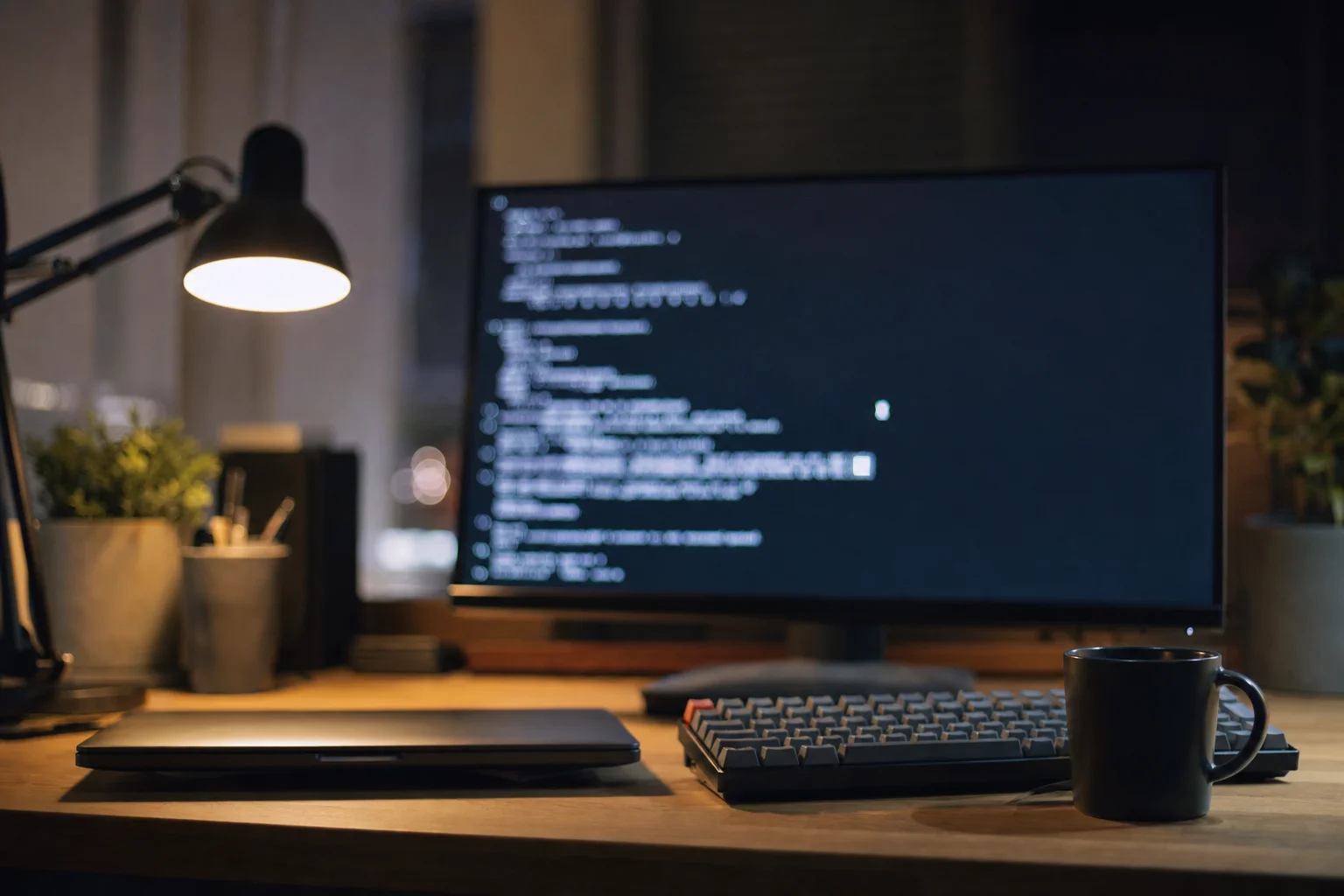
There is a well-worn seam in most developers' days: the terminal is where the work happens, and the editor is a separate window somewhere else. Every context switch between them costs a window manager gesture, a lost cursor position, and a few seconds of reorientation. Terminal-Code, an open-source project from Zenbu Labs, closes the seam by putting the actual VS Code editor inside a terminal pane.
Not a VS Code-like editor. Not a Vim configuration that approximates it. The real thing, rendered as pixels in your terminal emulator, running your existing extensions and keybindings.
What it is
The command is tode. Installation on macOS and Linux is a single line:
curl -fsSL https://tode.sh/install | bash
From there the CLI is deliberately shaped like the code command developers already have muscle memory for. tode opens the current directory. tode <folder> or tode <file> opens that target. tode --goto <file:line:column> jumps to a position, tode --diff <a> <b> compares two files, and tode --review opens straight onto the source control panel, which is the one that will change how people handle a mid-rebase conflict.
The terminal-native additions are where the design intent shows. tode --split right opens the editor in a split pane beside your shell, and --size <fraction> controls how much of the window it takes, from 20% to 95%. That is the actual pitch: the editor becomes another pane in the layout you already manage with your terminal multiplexer, rather than another window competing for screen real estate.
tode --import pulls settings, keybindings, snippets and extensions across from VS Code-compatible editors, so the first launch is not a fresh-install experience. Extension management works from the CLI too, with --install-extension, --uninstall-extension and --list-extensions.
How it actually works
Terminal-Code is not a from-scratch editor, and the project is straightforward about this. It composes two existing pieces: code-server, Coder's build of VS Code that runs in a browser, and terminal-browser, Zenbu Labs' own project that renders a browser inside a terminal. Stack one on the other and you get VS Code in a terminal.
The rendering depends on the kitty graphics protocol, a terminal extension that lets a program hand actual images to the emulator rather than drawing with text characters. This is the constraint that defines the project's compatibility story. Terminals that implement the protocol (Kitty itself, Ghostty, WezTerm and others) can display a full graphical editor. Terminals that do not, cannot, and no amount of work in Terminal-Code changes that.
That is why Windows is the weak spot. Few Windows terminals support the protocol, there is no official Windows build, and the documented path is to install the Linux version inside WSL. The project links to an experimental effort to bring kitty graphics to Windows Terminal via Ghostty, flagged as try-at-your-own-risk.
The other honest caveat is keyboard shortcuts. Your terminal and the embedded editor will both want Ctrl+W, Ctrl+T and friends, and the terminal wins by default, which means keypresses can vanish before the editor ever sees them. Terminal-Code ships an interactive wizard, tode --shortcut-setup, that walks through the conflicts and lets you rebind on either side. A tool that acknowledges this in its README rather than leaving you to discover it at 2am is a tool written by someone who has used it.
The project itself
Terminal-Code is MIT-licensed, written in TypeScript, and lives at zenbu-labs/terminal-code. The repository was created on 8 August 2026 and reached its thirteenth tagged release eleven days later, on 19 August, which is a release cadence that tells you roughly how much is still moving. It has picked up 106 stars in that window. Its dependency terminal-browser, published in July, is the more established of the two at over 1,100 stars.
Anyone adopting it should read those numbers as what they are. This is a two-week-old project shipping multiple releases per day, with one open issue and two forks. The tode --uninstall and tode --shutdown commands exist and work, which is the relevant safety property for a tool you are trying out on a working machine.
Who this is for
The obvious audience is developers already living in a terminal multiplexer, where a new GUI window is a genuine disruption to a pane layout that took real effort to arrange.
The less obvious and probably more valuable audience is anyone working over SSH. The standard remote-development experience means either a full-fat editor with a remote extension and its agent process on the far end, or accepting a terminal editor and losing your extension setup. Terminal-Code offers a third shape: your editor, your extensions, rendered through the same SSH session you were already in. Anyone who maintains servers, works from a jump host, or develops against a cloud VM has felt the gap this fills.
There is also a quieter argument about how AI coding tools have changed terminal usage. Command-line agents have pulled a lot of developers back into the terminal for hours at a stretch, and the editor-shaped hole in that workflow has become more noticeable, not less. Reviewing a diff an agent produced is exactly the task tode --review targets.
Terminal-Code is not trying to be a new editor, it is a delivery mechanism for the editor you already configured, and that is a materially different and more achievable goal than the terminal-native editors that have tried to compete with VS Code on features.
The realistic verdict
The dependency chain is long. Terminal-Code sits on terminal-browser, which sits on the kitty graphics protocol, which your terminal may or may not implement, and code-server, which tracks upstream VS Code. Every layer is a place where a breaking change upstream becomes your problem. Against that, every layer is an existing, separately maintained project with its own users, rather than a bespoke reimplementation.
For a Kitty, Ghostty or WezTerm user on macOS or Linux who works primarily in a terminal, the install is one command and the uninstall is one command. That risk-to-payoff ratio is hard to argue with. For Windows users outside WSL, it is a project to watch rather than one to install.
Cover image: generated illustration.
About the author
Gavin Foss
Gavin Foss is the editor-in-chief at Tech Forum, covering the Canadian technology landscape with a focus on AI and emerging technologies. His technical depth and industry connections make him one of Canada's most respected tech journalists.
Keep reading
More from Tech Forum
Nesto CAD 302M Series E Funding Closes
Explore a detailed, data-driven analysis of Nesto's CAD 302M Series E funding and its significant impact on the Canadian mortgage tech landscape.
Steph Moreau / October 7, 2026

Fields Medalists vs OpenAI's 722 AI Math Manuscripts
OpenAI posed ~4,000 problems to get 372 result families and published 722 manuscripts, eight days after an IAS advisory group asked labs to stop testing advanced mathematics on proprietary models.
Steph Moreau / October 7, 2026

Chexy CAD 14M Series a Toronto
Chexy CAD 14M Series A Toronto: Toronto's innovative fintech secures CAD 14M in funding spearheaded by Khosla Ventures, supported by Air Canada.
Derek Fung / October 6, 2026