Analysis
Turning a Raspberry Pi Into a Real NAS: What Works, and Where the Line Is
A Raspberry Pi can run a real NAS, within limits. What works on Pi 3/4/5, where USB and network bandwidth cap you, and what FygoOS supports on ARM.
 Marcus Doyle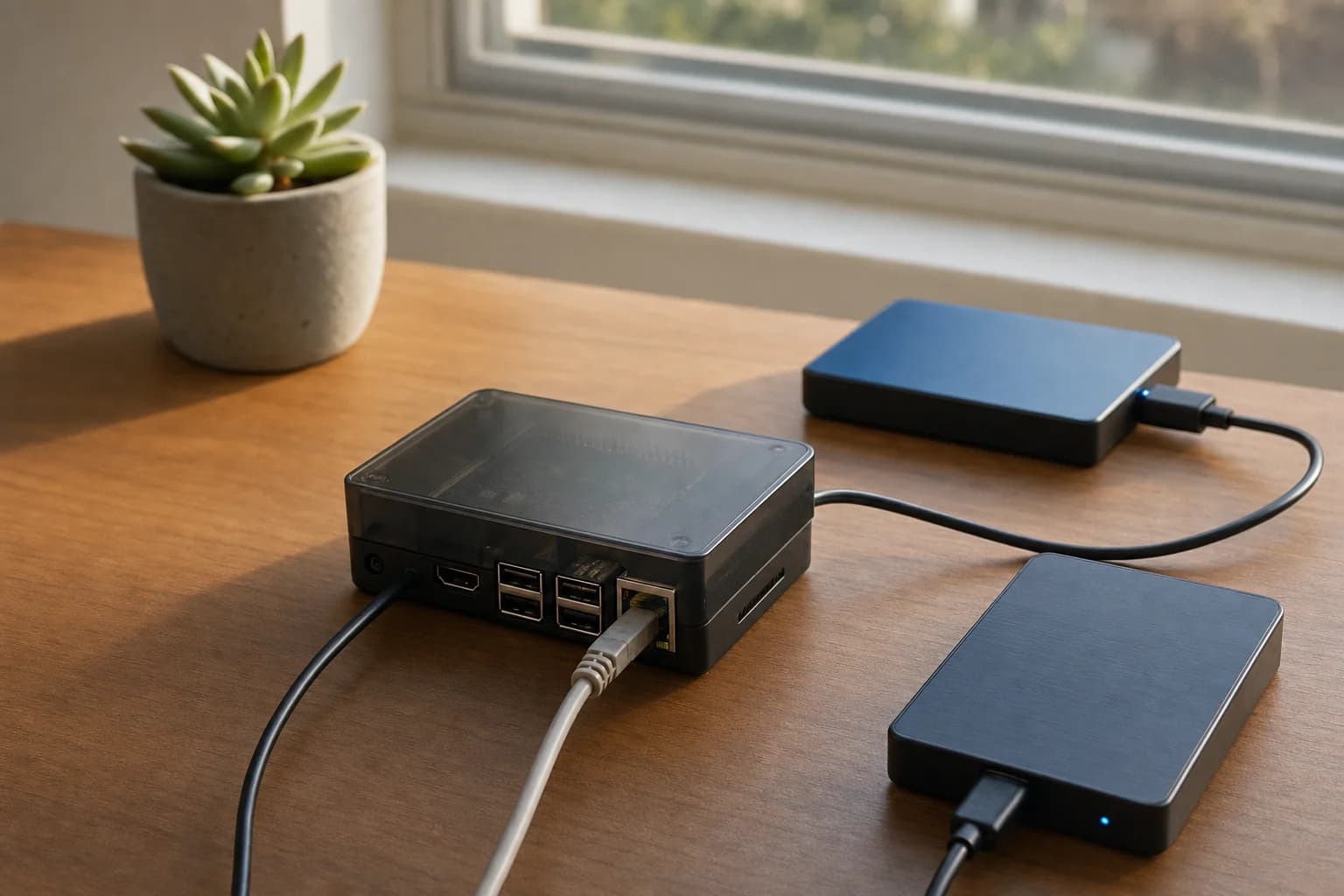
The Raspberry Pi NAS is one of the most attempted projects in home computing and one of the most frequently abandoned. The attempt usually goes: install a general-purpose Linux image, add Samba, wrestle with permissions, add a Docker container for photos, discover the database needs tuning, and quietly stop.
What changed recently is that storage operating systems have started supporting the Pi as a first-class target rather than a community afterthought. FygoOS added Raspberry Pi support in its 22 July 2026 update, covering the 3B, 3B+, 3A+, 4B and 5 series. That is a wider range than most, and it reaches back further than most, so it is worth walking through what a Pi actually delivers in this role and where it stops.
Why the ARM implementation matters here
Plenty of software technically runs on ARM. The question is whether it was built for ARM or ported to it.
FygoOS on ARM is built on native Debian, with optimization done at the kernel and driver level, and it covers Raspberry Pi alongside Rockchip and other mainstream ARM processors. The practical consequence is that the storage layer is the real one, not a reduced version: ZFS, Btrfs and ext4 with several RAID modes, the same permission model including native Windows ACL, and the same protocol set of SMB, NFS, WebDAV and iSCSI.
The application layer is also the same one x86 users get. Docker with graphical Compose support, virtual machines, snapshots, scheduled backup, Fygo Photos, Fygo TV, Fygo Sync, App Center. Nothing is removed because the board is small.
What a Pi genuinely does well
File serving. A Pi 4B or 5 with a USB-attached disk saturates its network link for ordinary file transfer. For a household moving documents, project files and archives around, this is more than sufficient and it is the job the device is best at.
Backup target. The 3-2-1 strategy needs a second location that is always on and cheap to run. A Pi costs a few watts and sits on a shelf. As the receiving end of scheduled backups from laptops and phones, it is close to ideal, and the disk speed matters far less than the fact that it is always there.
Photo library. Fygo Photos runs on the device: face recognition, object and scene semantic search, and map timeline all happen locally without uploading images. Indexing a large existing library on a Pi takes time, and it is worth starting it before going to bed rather than expecting it during an afternoon. Once indexed, browsing and search are responsive.
Light containers. AdGuard, a password manager, Home Assistant, Navidrome. These are services that spend most of their life idle and need to be reachable, which is exactly the Pi's profile.
Where the line is, stated plainly
Plan around direct play rather than heavy transcoding. The Pi decodes common formats in hardware, so a library that plays natively on the client streams without drama, and that covers a lot of real usage. What it is not is a re-encoding workhorse: several 4K HDR streams at once, with tone mapping, is where a GPU on an x86 box earns its place. Worth noting if you are shopping for ARM generally rather than for a Pi specifically, other ARM silicon, Rockchip in particular, carries a stronger media engine and handles real-time 4K encode and decode.
Do not plan on local AI. Running Ollama for local inference is an x86 workload with GPU acceleration behind it. The Pi is not the machine for it.
Give it at least 2 GB of RAM. Support covering the 3B, 3B+ and 3A+ alongside the 4B and 5 is genuinely useful for reviving old boards, and the supported range itself is not the thing to worry about. Memory is. Two gigabytes is where the system feels comfortable; a 1 GB board will run FygoOS, but noticeably sluggishly. The 3 series is also constrained on USB bandwidth relative to a 4B or 5, and a photo library of any size will index slowly there.
Use Btrfs or ext4, not ZFS. FygoOS carries all three, but ZFS is memory-hungry by design: 8 GB is the practical floor and 16 GB is the sensible starting point. An 8 GB 4B or a 16 GB Pi 5 technically clears that bar, but it spends the whole board on the filesystem, and every older Pi in the supported range is far below it. ZFS is a filesystem to keep for the x86 machine. Btrfs and ext4 are the right answers on a board this size.
Storage is over USB. Without a HAT, disks attach over USB, which sets the ceiling on throughput and adds a failure mode that internal SATA does not have. This is a property of the platform rather than of any particular software, but it is the thing that most often disappoints people who benchmarked expectations against a desktop.
The realistic recommendation
A Pi is a genuinely good first NAS if the job is files, backup and photos, and if the person building it wants to spend an evening rather than a month. It is not a media transcoding server and it is not an AI box, and a system that is honest about that up front saves more frustration than one that implies otherwise.
The useful property of running the same operating system across architectures is that outgrowing the Pi does not mean starting over. Moving to x86 later means moving the disks and restoring configuration, with the same storage pool (Volume) layout, the same permission model and the same applications.
Current platform coverage and update notes for FygoOS are published by the team directly, and the Raspberry Pi support details sit in the 22 July 2026 release.
About the author
Marcus Doyle
Marcus Doyle is a Toronto-based technology writer covering cybersecurity, hardware, and supply-chain risk.